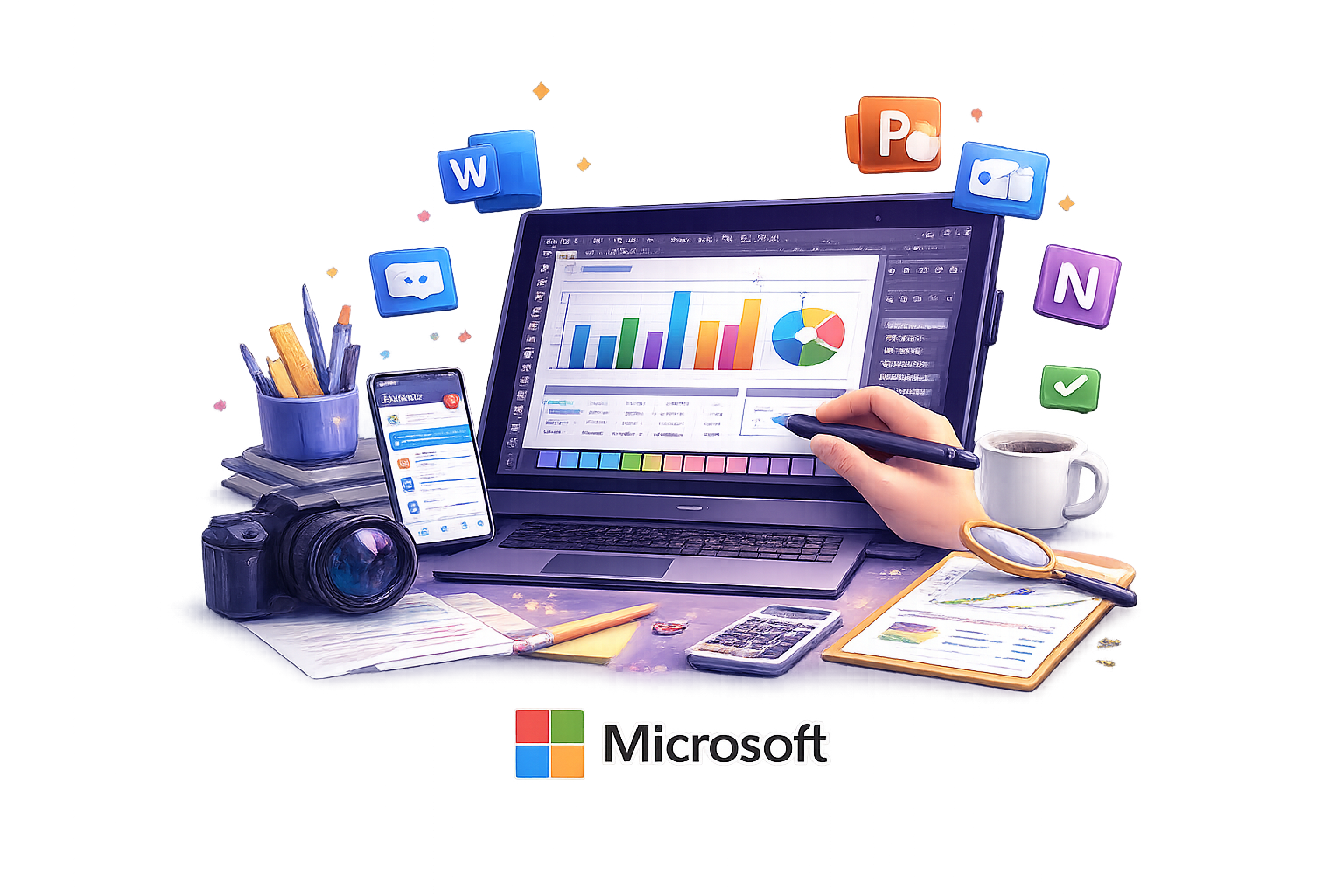
About the Course
Discover the heart of computing in our comprehensive Computer
Appreciation course. This program equips students with essential
digital skills, from mastering operating systems to creating
professional documents, spreadsheets, and presentations. Learners
explore shortcuts, formatting techniques, Excel formulas, and
collaborative tools, preparing them for success in modern digital
environments.
Learning Methodology
Our hands-on learning approach combines interactive lectures with
practical sessions. Students engage directly with computer hardware,
software applications, and operating systems through real-world
simulations, group activities, and continuous assessments. This
methodology ensures learners build both theoretical understanding and
practical competence while adapting to current industry trends.
Course Outline
Weeks 1–2: Windows 11 & Microsoft Word
- Overview of Windows 11 and its editions
- Features of the Windows 11 operating system
- Microsoft Word 2021 interface
- Creating professional documents in Word
- Adding pictures and shapes to documents
- Document review and collaboration tools
Week 3: Microsoft Excel & Skype
- Creating, finding, and sharing Excel files
- Formatting Excel worksheets
- Functions and formulas in Microsoft Excel 2021
- Introduction to Microsoft Skype for Business
- Creating groups and scheduling meetings
- Desktop sharing and collaboration
Week 4: Microsoft PowerPoint & OneDrive
- Introduction to Microsoft PowerPoint 2021
- Understanding PowerPoint properties and interface
- Creating PowerPoint presentations
- Home, Insert, and Design tabs
- Transitions, animations, review, and view tools
- Microsoft OneDrive interface
- Using OneDrive for file storage and collaboration
Possible Career Opportunities
- Office Administrator
- Marketer
- Presentation Designer
- Business Analyst
- Secretary